Dear amigo,
When you think of “accessible design tools,” the top-of-mind brand is Canva. Hated by many, loved by hundreds, and sometimes viewed skeptically within the design community, Canva has significantly changed the game. For a long time, this game was dominated by the all-mighty Adobe. But now, Affinity Software (Canva’s latest wonder) emerges as a powerful contender. What is Affinity exactly? Well a design software that could potentially steal millions of subscriptions from Adobe, because of the most appealing aspect of all: supposedly being free forever.
A Quick background on Affinity
To answer “What is Affinity”, it starts out with a clear mission: to provide professional-grade design tools without the subscription model headache. Launched in 2014, Affinity Designer and later Affinity Photo and Publisher were offered at a one-time purchase price of around $50 per app. This was a big draw for creatives who wanted powerful software without ongoing fees. Its business model—own the outright, pay once, and receive updates—earned it a reputation as a cost-effective and serious alternative to Adobe’s Creative Cloud subscription juggernaut. Users loved the affordability and high performance, making Affinity a favorite among budget-conscious professionals and enthusiasts alike.
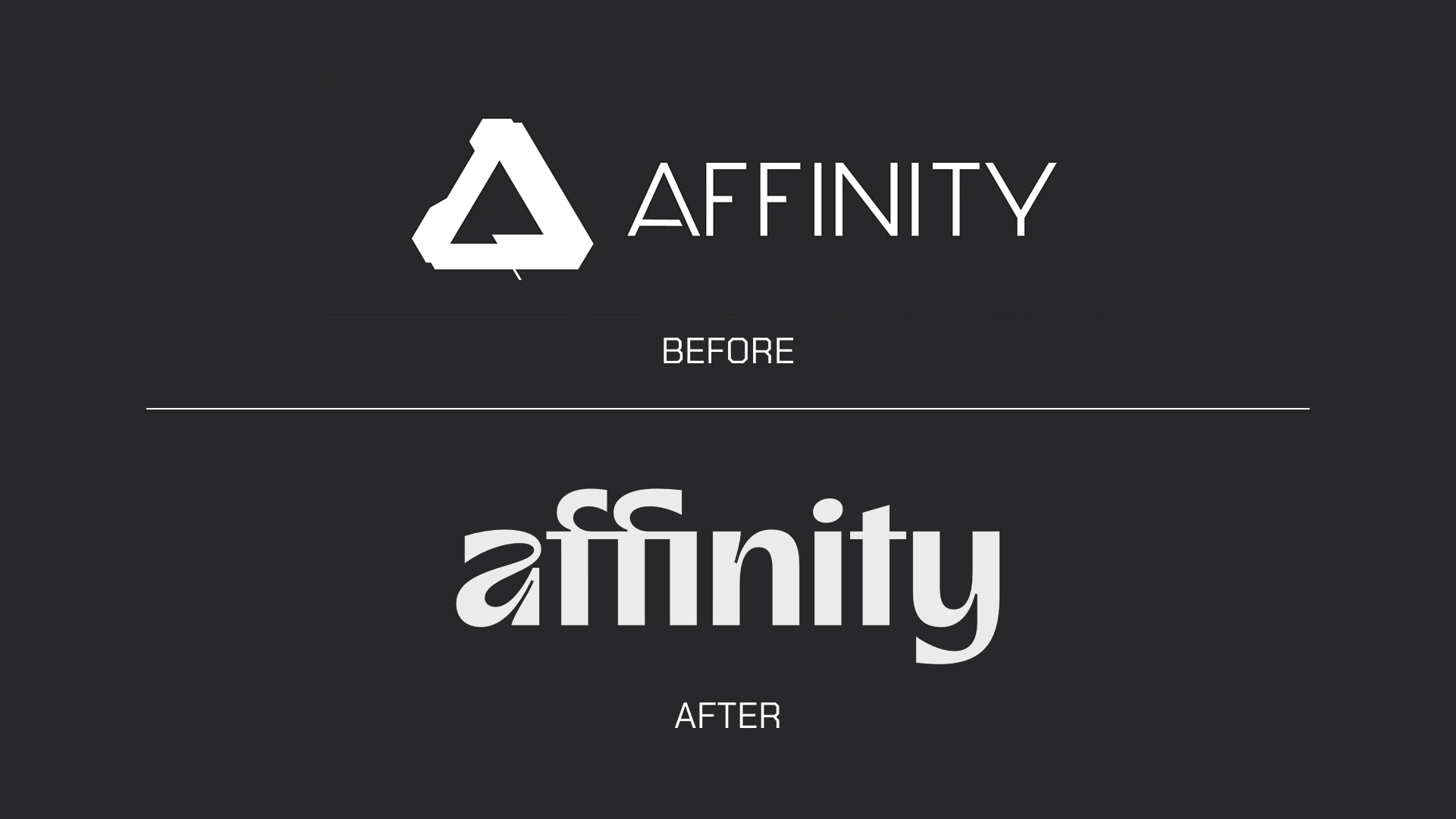
After Canva’s acquisition in 2024, Affinity went through a significant transformation. Canva introduced a freemium model where the core Affinity apps became free to use, monetized instead via optional Canva AI-powered features tied to Canva Pro subscriptions. This change was both exciting and controversial: while it made Affinity’s powerful design tools accessible to a broader audience, it moved away from the beloved one-time purchase model. Perception in the design community became mixed—some welcomed the increased accessibility and integration with Canva’s cloud ecosystem, while others were wary of potential subscription creep and loss of full ownership. Regardless, the acquisition positioned Affinity firmly within Canva’s expanding design empire, aligning professional tools with user-friendly, cloud-based collaboration.
In sum, it transitioned from a budget-friendly, no-subscription to what is Affinity now: a champion to a freemium cloud-enhanced platform under Canva’s wing.
Affinity’s New look and relationship with designers
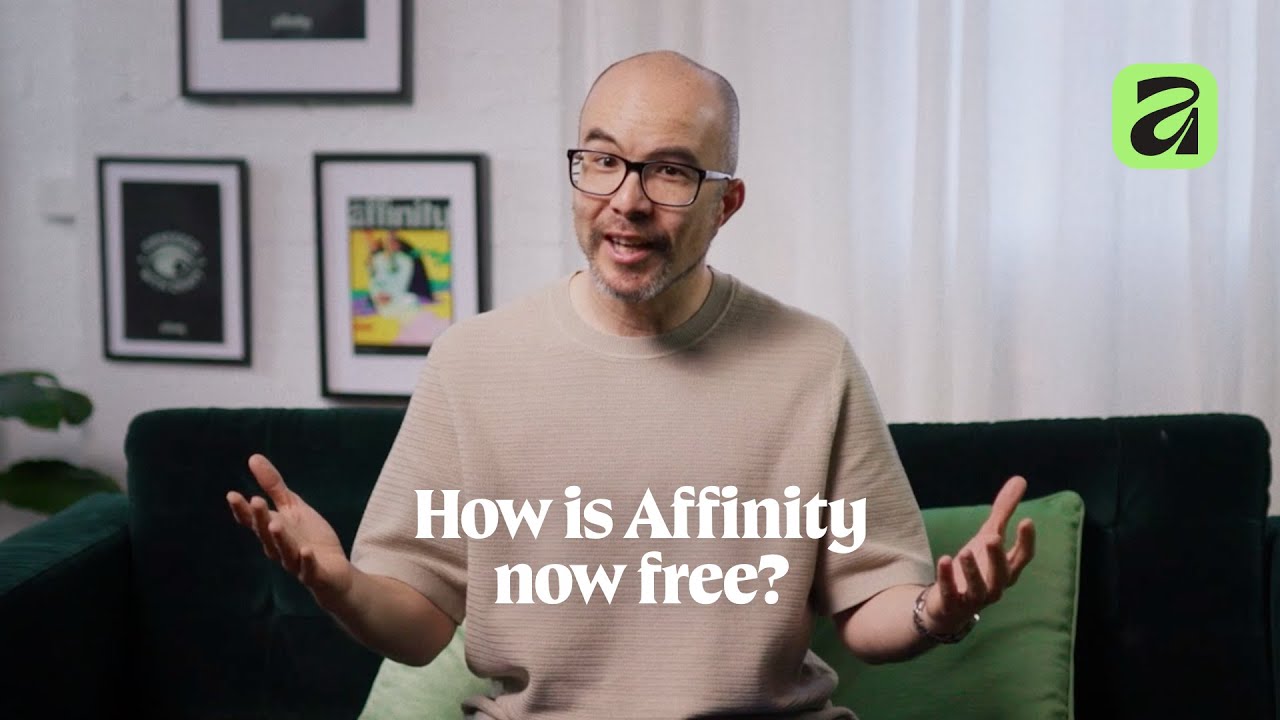
Since its acquisition, Affinity has been bundled into a single free application that combines photo editing, vector design, and layout. It represents a powerful alternative for many users, especially by integrating its capabilities with Canva’s own AI features—a bonus for premium Canva accounts. Affinity is very different from Adobe’s Creative Cloud in several ways. While Adobe offers many separate apps, Affinity provides a one-stop solution. For early-career designers, design enthusiasts, and solo freelancers eager to learn new workflows, Affinity is and can become an excellent tool.

Image credit: Canva
However, before jumping on what is Affinity new bandwagon and canceling your Adobe subscription, there are several aspects to consider:
- Team collaboration: Do the other designers, agencies, or clients who collaborate with me use Affinity? This question is key. If using this new tool for your work causes you to lose time handling files, applying feedback, or passing the ball along the production line to finish a project, it might be better to stick with Adobe. Adobe costs money, but guess what? Time is money too, and a smooth relationship with stakeholders translates into time saved and better service. All of this ultimately means saving money.
- Accuracy: Affinity has many tools that work great, but it still doesn’t offer the precision that Adobe provides in many areas. If you want to correct some pictures or create a cool poster, Affinity is an excellent choice. However, for more complex workflows—such as fine-tuning the microtypography of an editorial project or editing a batch of 5,000 photos—Adobe still offers better options. Who knows, Affinity might improve in the future.
In conclusion, for every task, there is a specific software best suited to it, and that doesn’t mean you can solve everything with just one tool. A great example is type design: you can design a font in Illustrator, but that doesn’t make it industry standard. Serious type designers typically use Glyphs. The same analogy applies to Adobe and Affinity.
- Learning curve: If you’ve been using Adobe for the last decade, you have built a workflow. Learning new takes time—understanding where everything is, the commands, and so on—so you may be slower at first when working with a new program. If you have the time to learn and your project schedule allows you to gradually dive into it, that’s perfect; Affinity might be great for you right from the start.BUT if you need to deliver projects quickly and apply feedback fast, it might be better to stick with Adobe for now. Instead, what is Affinity can be learned on the side and work with both programs in parallel until you transition—if you even decide to make the switch.
- Language support: Affinity doesn’t natively support right-to-left (RTL) languages, so if you are designing, for example, for an Arabic audience, this is something to consider. Depending on the complexity of your project, this could be a significant issue.
- Adobe Fonts: This is pretty straightforward. Adobe has a huge font library, making it very easy to work with different fonts seamlessly. Affinity’s library is smaller—you can always add fonts, but this can make the workflow clunkier and may slow down your computer. Again, it depends on what you are looking for.
7 questions that will help you understand if Affinity is right for you
Considering the impact Affinity has had on the design scene even before its acquisition by Canva, it seems that senior designers benefit most from knowing both Affinity and Adobe, maximizing their flexibility and career security.
To make a better decision when choosing between Adobe and Affinity, we believe it comes down to answering seven key questions to clarify your needs:
- What software do current or target employers require?
- What audience are you designing for?
- Does your current workload allow you to learn a new workflow?
- What are the expectations of your clients regarding file compatibility?
- What is the true cost when considering factors beyond subscription fees?
- How complex is your collaborative workflow?
- What are your priorities: cost-saving, career growth, or flexibility?
We believe that these questions will help you frame your decision better.
Strengths and areas to improve
Affinity and its professional tools are now free (aside from optional AI features tied to a Canva subscription), and the program merges three formerly separate apps into one seamless system. It’s particularly suitable for small-scale projects, individual designers, and those controlling full workflows. The single file format supports seamless switching between pixel, vector, and layout modes, and the interface offers customizable “studios” that users can toggle depending on their needs.
However, Affinity has notable areas where it can improve. It requires internet verification, limiting full offline independence. File compatibility, while improved, may cause friction in client and team workflows standardized on Adobe formats. Also, the interface, though flexible, can confuse new users due to its complexity. Certain advanced Adobe features remain unmatched, and the premium model for AI tools introduces a freemium strategy that some find unappealing. The learning curve for seasoned Adobe users is also a consideration.
The Industry-Standard Ecosystem: Adobe

Image credit: Adobe
Adobe Creative Cloud remains the dominant professional ecosystem, boasting over 30 million subscribers. Its tightly integrated apps—Photoshop, Illustrator, Lightroom, Premiere Pro, After Effects, and InDesign—are the backbone of many agencies, studios, and enterprises. Adobe’s AI features are deeply embedded into workflows, enhancing efficiency and quality for image editing, typography, and complex layout tasks.
For typographers and accessibility experts, Adobe tools like Illustrator, InDesign, and dedicated font design (such as Glyphs) offer nuanced control. What is Affinity now can’t match that so far. Adobe’s workflow coherence, especially Lightroom and Photoshop together, is an industry gold standard for processing large batches of raw photos efficiently.
Though Adobe’s subscription is expensive, its clear pricing and reliable service contrast with the uncertainty some can perceive in freemium models.
Switching involves re-learning workflows, which can impact productivity and work-life balance. Designers deeply familiar with Adobe’s environment may find adaptation to Affinity time-consuming and potentially disruptive. Moreover, skepticism around freemium models—free core tools combined with paid AI features—adds to cautious decision-making.
A Type of Experiment: Our Insights

What is Affinity now? To answer that, we at A Type Of Amigo made a little 1-week experiment to get first impressions of two distinct profiles: your friend Ariana Irady, a full-time designer, and me, a content writer that is an editorial design aficionado.
From my own corner of the creative table, Affinity stands out as a solid pick for design fans and budding creatives wanting to branch out into new . That said, there’s a little learning curve that might feel steep for total newbies.
For Ariana, overall Affinity at first glance also seems a little more complicated than Adobe in its menu and tool bars. “When you first start using a by Adobe, the menu feels very clean and organized. In Affinity, I feel like I need to simplify the menu because it’s too crowded. The icons for each tool also feel a bit confusing (The shape tool is a black square, and I always confuse it with the color menu).”
Having said this, there are bright spots to mention on Affinity for her. “I really like the artistic text tool. As a designer, I tend to work with a lot of point type text in illustrator, and it always feels like a complicated quest to align it correctly. In Affinity, the artistic text tool treats the text as a vector even before we expand it, so it’s very useful for precise alignment.” She commented.
I share her opinion in that matter, as the layout space especially shines for editorial design lovers like me, as its intuitive tools encourage bending graphic rules and unleashing fresh storytelling. And, for those starting from zip, juggling between what is Affinity and something simple like Canva could be the winning combo to get comfy while learning more about a specialized .
But fair warning: the interface’s busyness means if you don’t know where to jump in, it can feel a bit like a maze at first. Still, once you find your way, the creative possibilities are well worth the climb.
As Ariana mentioned, “The idea of having a vector, pixel and layout spaces in the same app is truly revolutionary, I can jump from space to space in seconds and the app doesn’t crash. I still don’t know how to differentiate the layers from each space, but I’m sure that once I figure it out it will be a game changer in my work”.
In conclusion, to answer the question of “what is Affinity”, the program looks to thrive as a solution for solo designers and projects where flexibility and cost-control are priorities. However, when working collaboratively or with clients entrenched in Adobe workflows, sticking with or supplementing with Adobe might be necessary so far.
Most importantly, the tool’s role is to serve the designer’s vision and workflow. The software is just the arrow, the critical factor is the shooter, you as its user. Being a great designer is about cultivating a discerning eye, communicating the right message effectively, and solving real-world problems creatively, amigo. Tools evolve, but strategic thinking and skill remain central.
Signed,
A Type Of Jesús.
Since you are really into creativity, you might be interested in these other articles and resources:
How AI is Suddenly Redifining the Designer’s Role