Dear amigo,
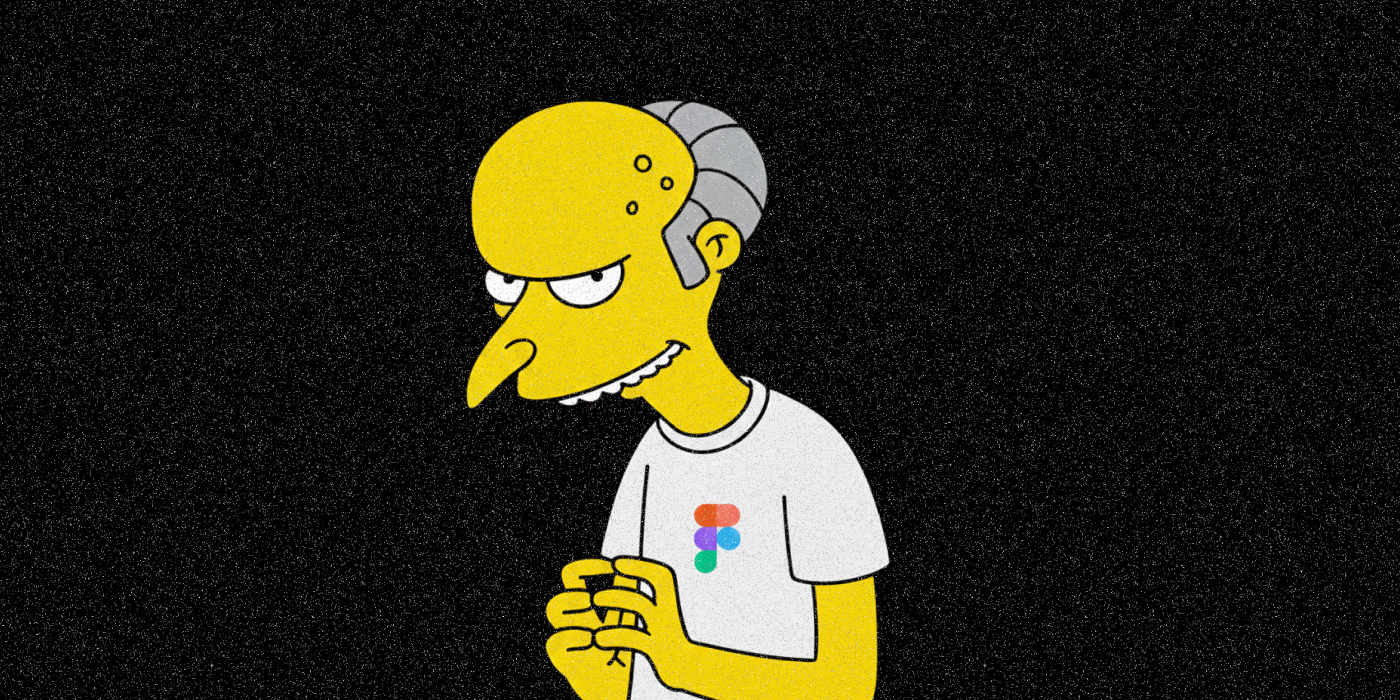
If you are a common inhabitant of the design sphere, you already know things are not looking good for Figma right now (and for many of us). On Nov 21, 2025, a proposed class-action lawsuit dropped in a U.S. federal court, accusing Figma of something the creative community has been fearing for years: using customers’ own design files: the actual UI mockups, product concepts, brand assets and others, to train its generative AI tools without permission. As Reuters reports, Figma was sued “for allegedly misusing its customers’ designs to train artificial intelligence models”. But that was just the beginning, as an investigation done by LexLatin describes the behavior of the company as allegedly doing “unauthorized exploitation of confidential, user-owned IP and trade secrets.” This legal lawsuit is deeply changing the way many designers see the brand, a software that has changed the way design is shaped in the last decade. Stick around if you want to learn how to use Figma without getting ripped off by AI. At the end of this article, you’ll find concise instructions concise instructions on how to stop Figma from stealing your intellectual property. Opt-out!
What the lawsuit claims: this wasn’t a misunderstanding. It was systematic.
The complaint, dissected by LexLatin, alleges violations of trade-secret laws, breach of contract, and misuse of confidential data—secretly feeding millions of user files into AI via a default-on system.
Carter Greenbaum, plaintiffs’ attorney in the lawsuit, is cited by Reuters having said: “This case underscores a simple and important principle: consumers and businesses have a right to ensure that their most sensitive and proprietary data and unique creative works are not being used to secretly train AI models”.
Figma buries its AI content training opt-out deep in team settings—far from account preferences—leaving most users auto-enrolled without clear prompts or consent. You accepted to this, even without knowing it. How to use Figma, despite knowing we were lied to right in front of our faces (or our screens?).
Figma says “we didn’t do that,” but…
Their policy looks like it tells another story. According to Reuters, Figma responded saying they “do not use customer data for AI training without explicit authorization.” Their spokesperson stated: “Even with that authorization, we take additional steps to de-identify that data and protect our customers’ privacy, and ensure that our training is focused on general patterns – not on customers’ unique content, concepts and ideas.”
But, then you look at documentation from the lawsuit explaining that in August 2024, certain plan tiers (Starter & Professional) had the “AI-training with content” toggle turned on by default, while others users like the ones with premium accounts did not, according to the file.
Meaning millions of users were opted-in, unless their workspace admin knew exactly where to find, and disable, a quietly buried setting. And freelancers? What about small studios with no admin? Artists working solo? The chances are you were in the dataset, probably without knowing. How to use Figma after this? How can we trust a tech company that shifted from closest ally to surveillance overlord—watching our every design stroke and exploiting our IP without consent?
If that’s true, this could be where trust breaks. And once it breaks, not only designers will be forever logged out of their accounts. Reputation is everything, as you might have learned from our branding bitacora.

Why this matters for the creative community
This lawsuit is hitting not only at the brand’s reputation, but also at the core of a much bigger problem: the platformization of the internet and the slow, painful erosion of creative ownership. Let’s be real, probably designers weren’t just uploading PNGs, they also were probably uploading unreleased product features, confidential client work, brand identities, strategic UX flows, even internal documents.
As LexLatin emphasizes, these files “qualify as trade secrets with real economic value.”
Figma allegedly using those to train AI, without a clean, explicit opt-in isn’t just sketchy. It’s an existential problem for the people who create actual value on and from the platform. After all, no creator is going to trust a tool that could treat their IP like free AI fuel (or maybe there will be some, as every creator is different)
The ripple effect: regulation, IP battles, and the future of cloud-based design tools
The OECD defined an AI incident as “an event, circumstance or series of events where the development, use or malfunction of one or more AI systems directly or indirectly leads to any of the following harms: (a) injury or harm to the health of a person or groups of people; (b) disruption of the management and operation of critical infrastructure; (c) violations of human rights or a breach of obligations under the applicable law intended to protect fundamental, labour and intellectual property rights; (d) harm to property, communities or the environment”
This could mean lawmakers, policy researchers, and ethical-AI analysts around the world are scrutinizing the company. And scrutiny could seem the enemy of a healthy company, but the saddest part is that this is a heartbreaking moment for the creative world, as designers have always been early adopters usually: the ones who trust new tools, jump into new platforms, explore new workflows.
But we’re reaching a breaking point. If your design draft, the one that is still messy, embarrassing, still breathing, stops feeling safe, the entire creative ecosystem cracks. Now it feels like that table had a microphone hidden underneath. Our trust hits rockbottom, but will the subscriptions in Figma too? How to use Figma after this?
Learn to Opt-out: How to Use Figma Without Feeding Its Hungry AI

If you want to know what you should do as a creative that uses Figma currently, here’s the short, practical list:
- Audit your Figma settings
- Check if the AI-training toggle was secretly turned on
- Make offline backups and don’t leave your best ideas in a cloud that might be training them.
- Also, consider diversifying your tools: Open-source, self-hosted, or privacy-first platforms are starting to emerge.
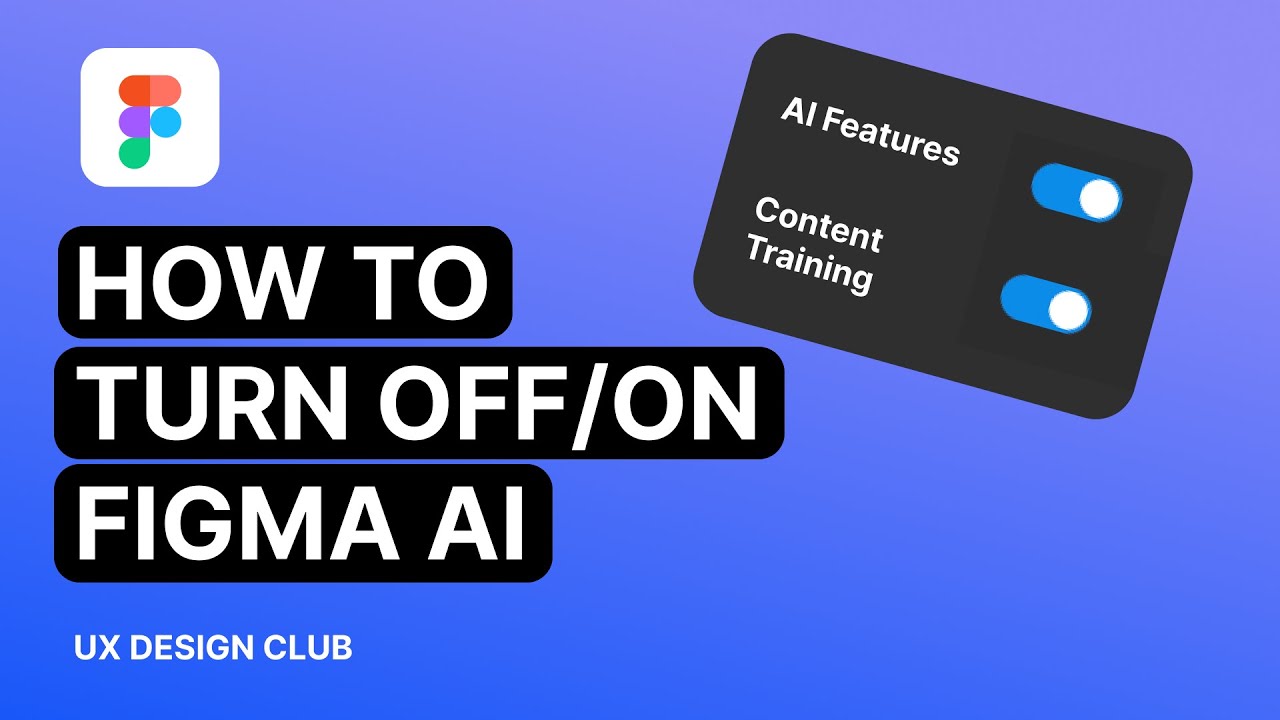
It’s increasingly important to rethink your relationship with cloud creativity, as the “platformization” of the internet means your workspace is no longer neutral but a business model.
Amigo, this Figma lawsuit is not small, it’s a cultural line in the sand, a moment that forces everyone in the design industry to ask: Who really owns our creative labor? And what does it cost when trust disappears? How to use Figma—let alone cloud services—after learning the ugly truth?
Because yes, the lawsuit could shake Figma’s business. And yes, the news could pressure the brand’s reputation causing millions of users to change gears, but apart from this economic bleep, the deeper impact goes beyond that. We are watching in real time how tools could become risks for its users as well. In this case, it’s also a cautionary tale about AI, data rights, and the disappearing sense of safety in our own digital workshops. A caution for all designers: After everything that’s happened, will people still trust—or ever regain trust? Personally, it feels like the internet is constantly watching, and nothing truly feels private anymore. As I write this here on a Google Doc saved in the cloud, every keystroke might be secretly being fed into some large language model. Tech giants have amassed enormous power, and now, despite our dependence on them, this creates an unsettling dynamic. Could this be the rise of a modern kind of digital autocracy in which we opt-in without knowing?
Signed,
A Type Of Jesús.
Since you are really into creativity, you might be interested in these other articles and resources:
How AI is Suddenly Redifining the Designer’s Role